Time tracking software for freelancers who bill by the hour
You're the designer, the developer and the accounts department. SpanTime is a time tracker for freelancers that takes care of the hours. One click to start, every client kept apart, and a timesheet ready when the invoice is due.
09:00Freelance life
A freelance hour tracker for one person with many clients
Start in one click
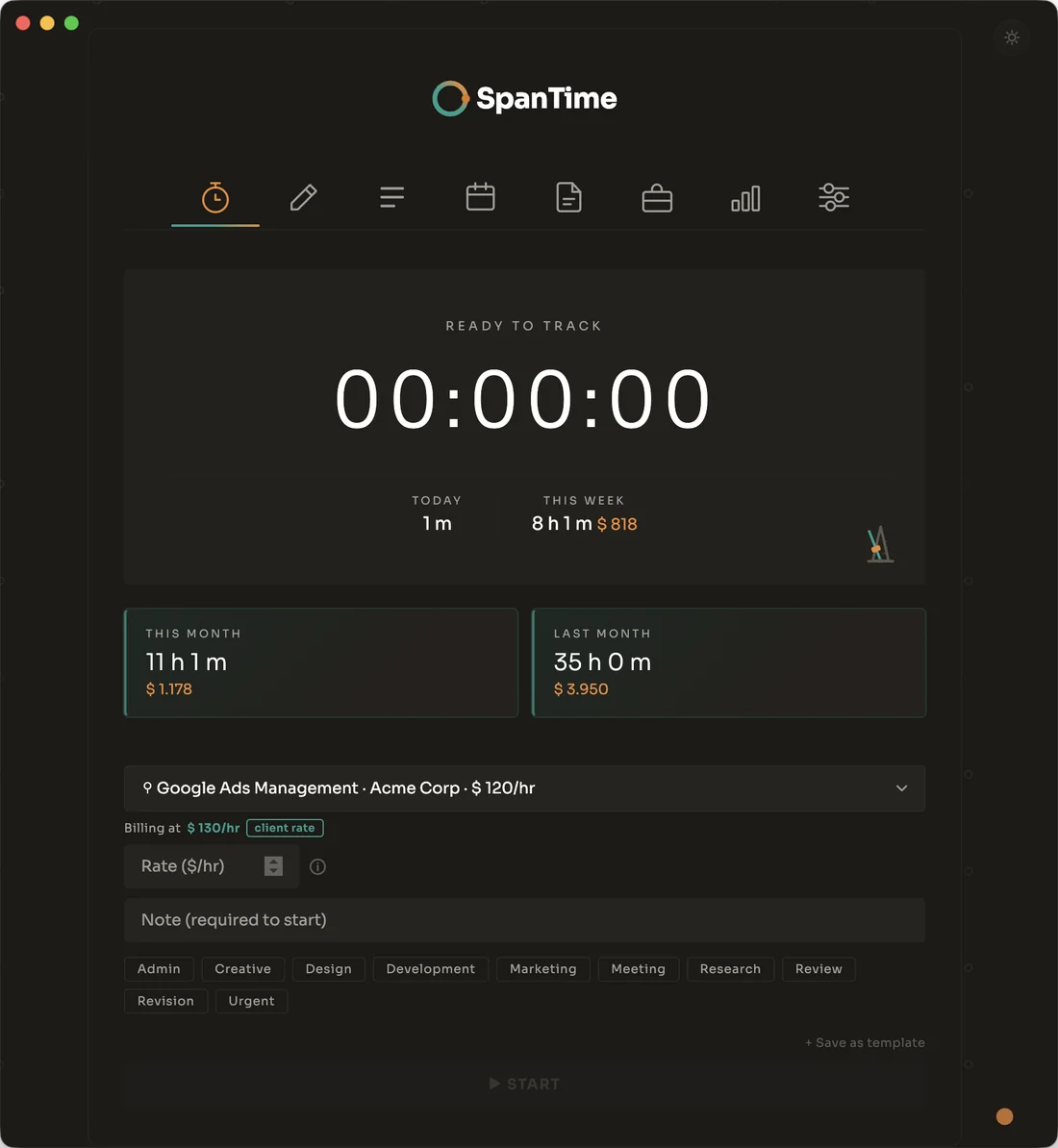
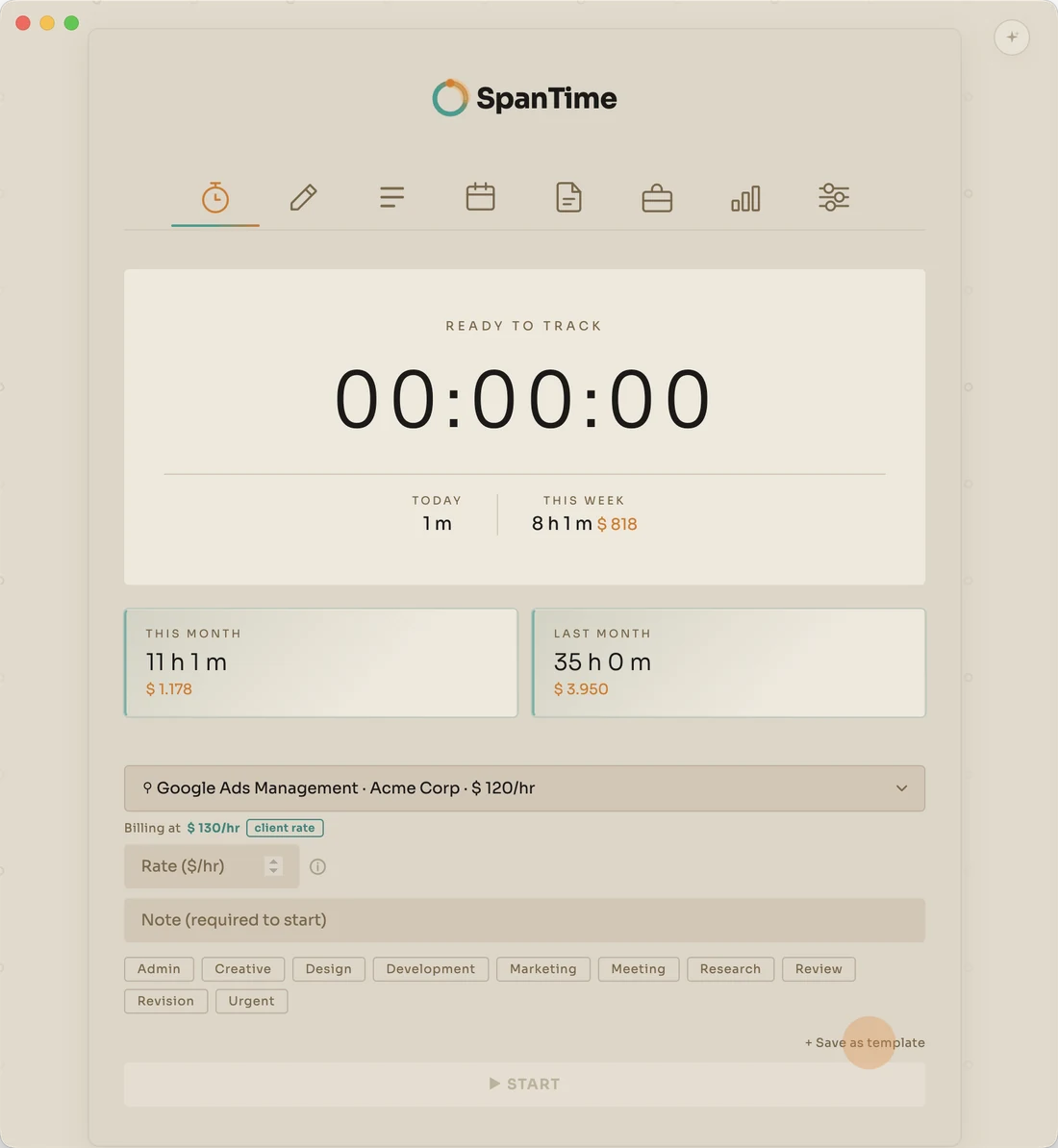
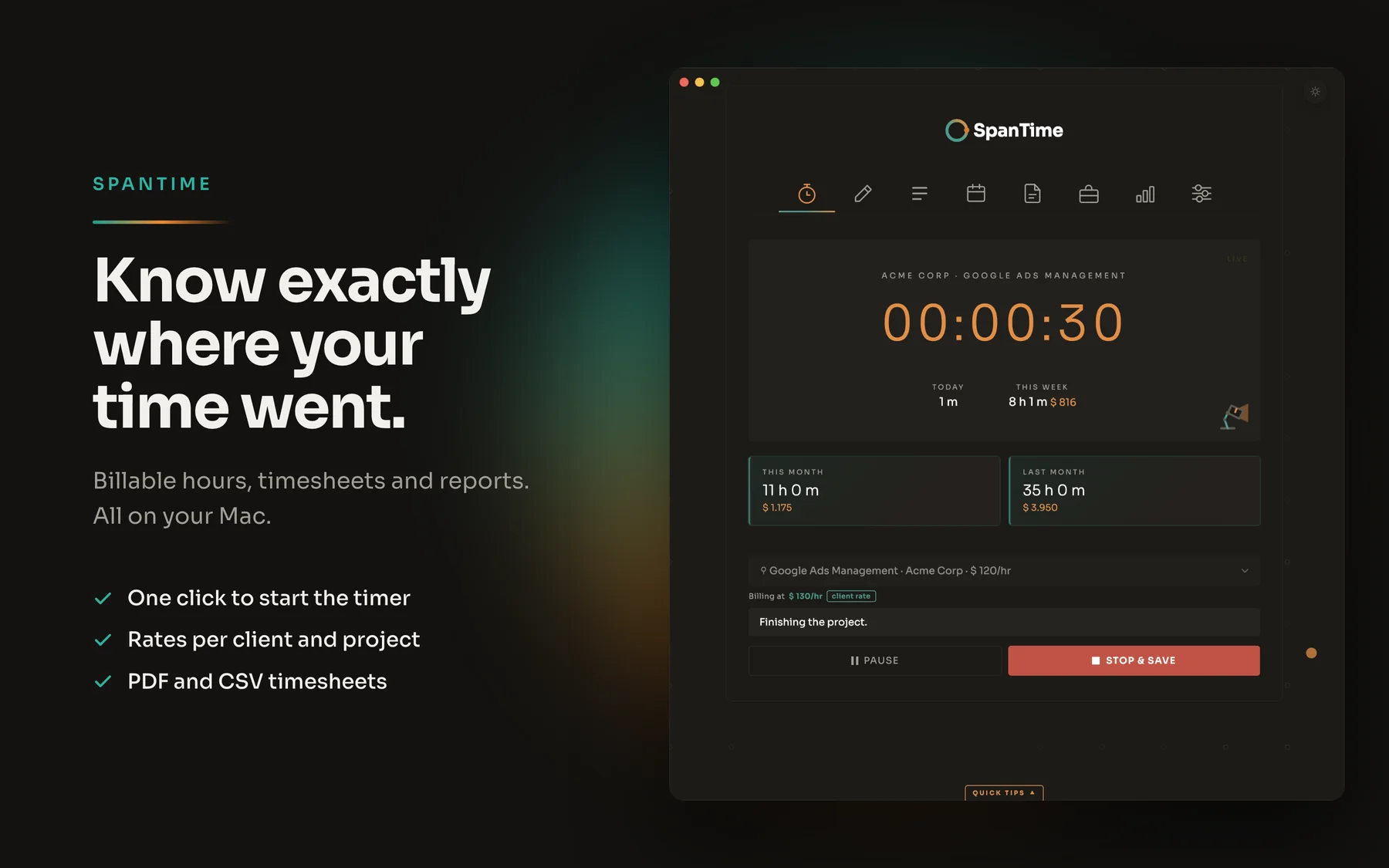
Start and stop from the menu bar or tray. Pick a recent client and get back to work. A time tracker for freelancers shouldn't need a form to fill in.
Every client kept apart
Each hour lands on the right client and project. One client pays 90 an hour, another 120? Set a rate per client and SpanTime works out what each hour is worth.
Know what the week is worth
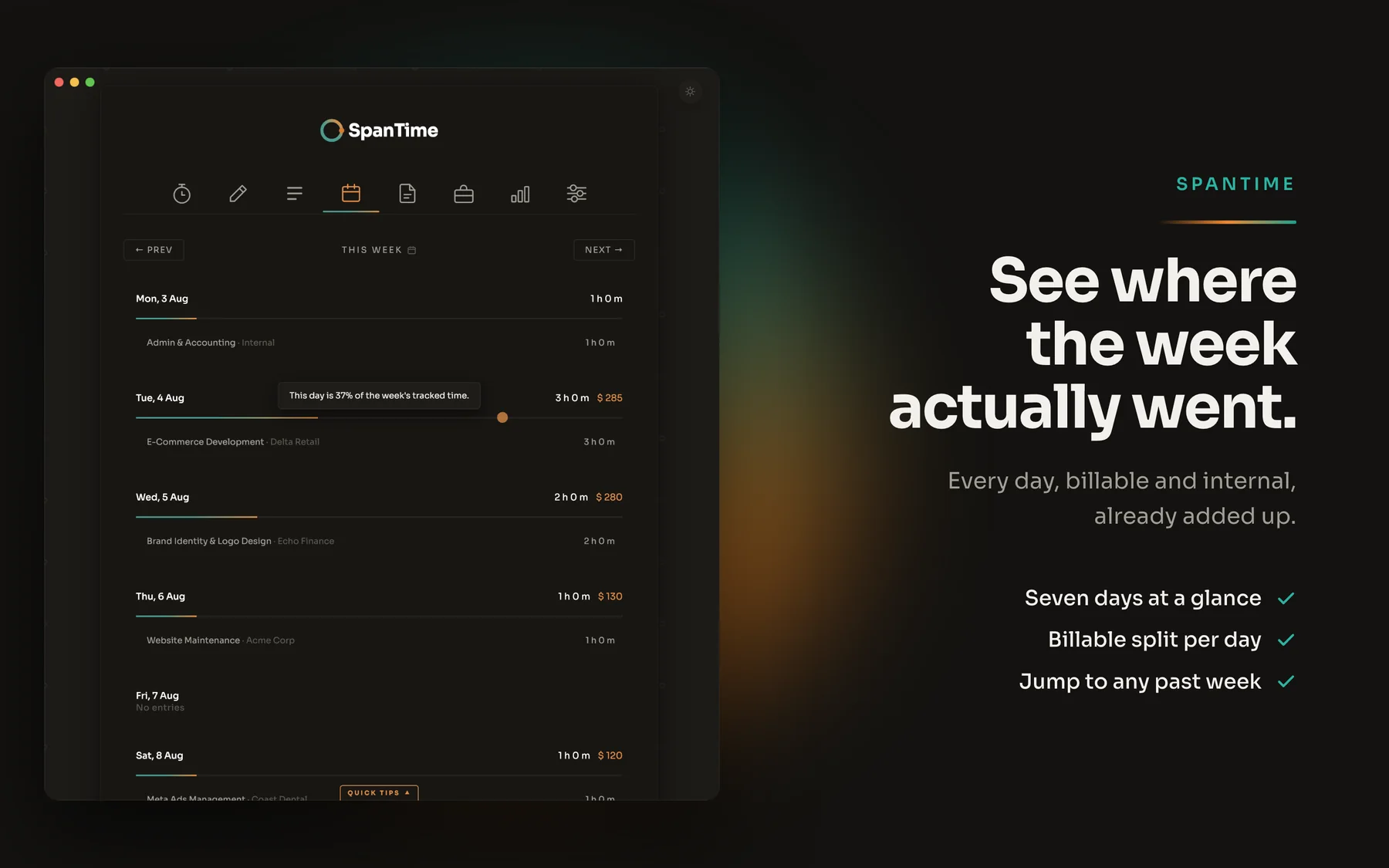
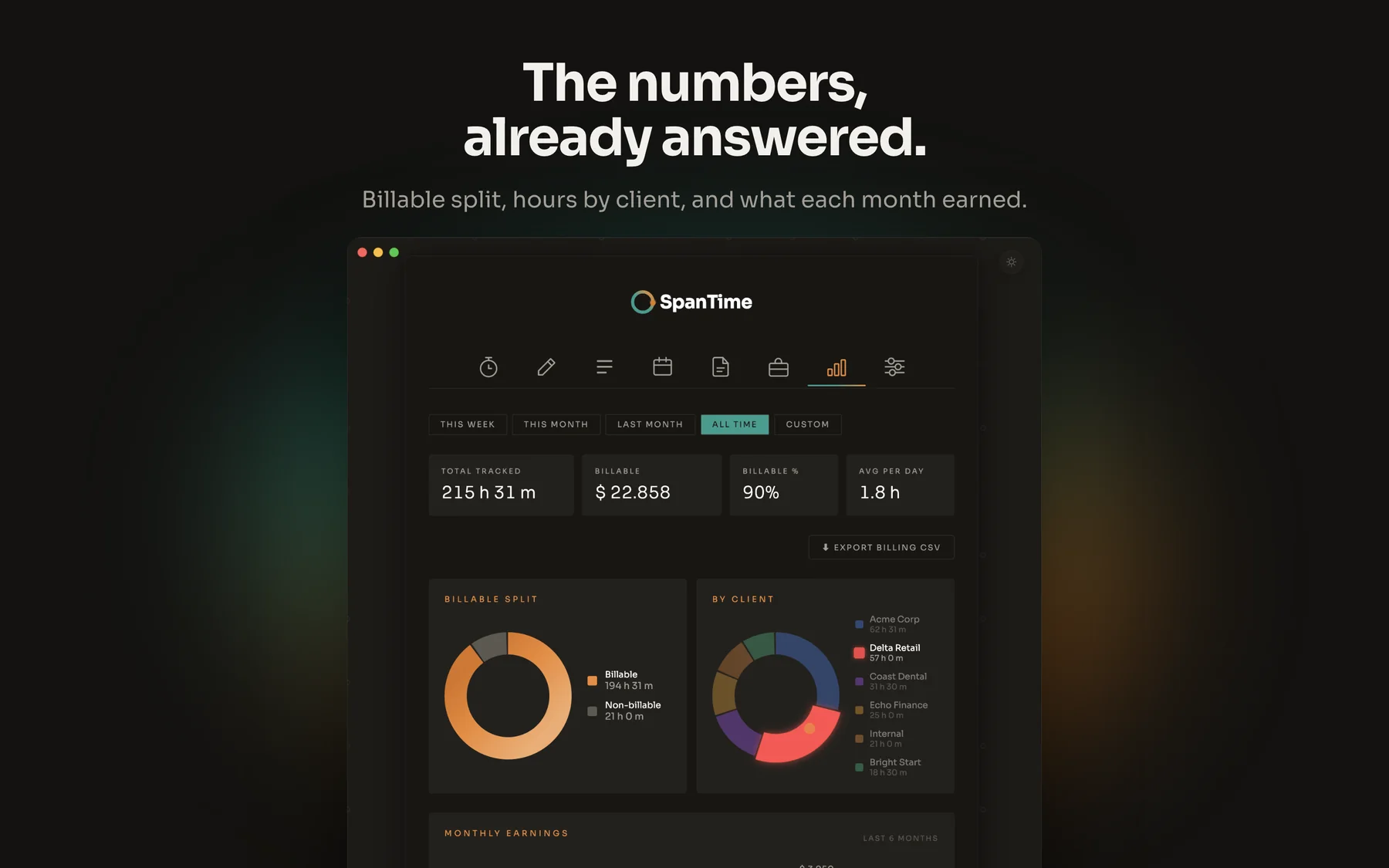
Billable hours and the money they add up to, per client and per week. You know where you stand before the invoice goes out.
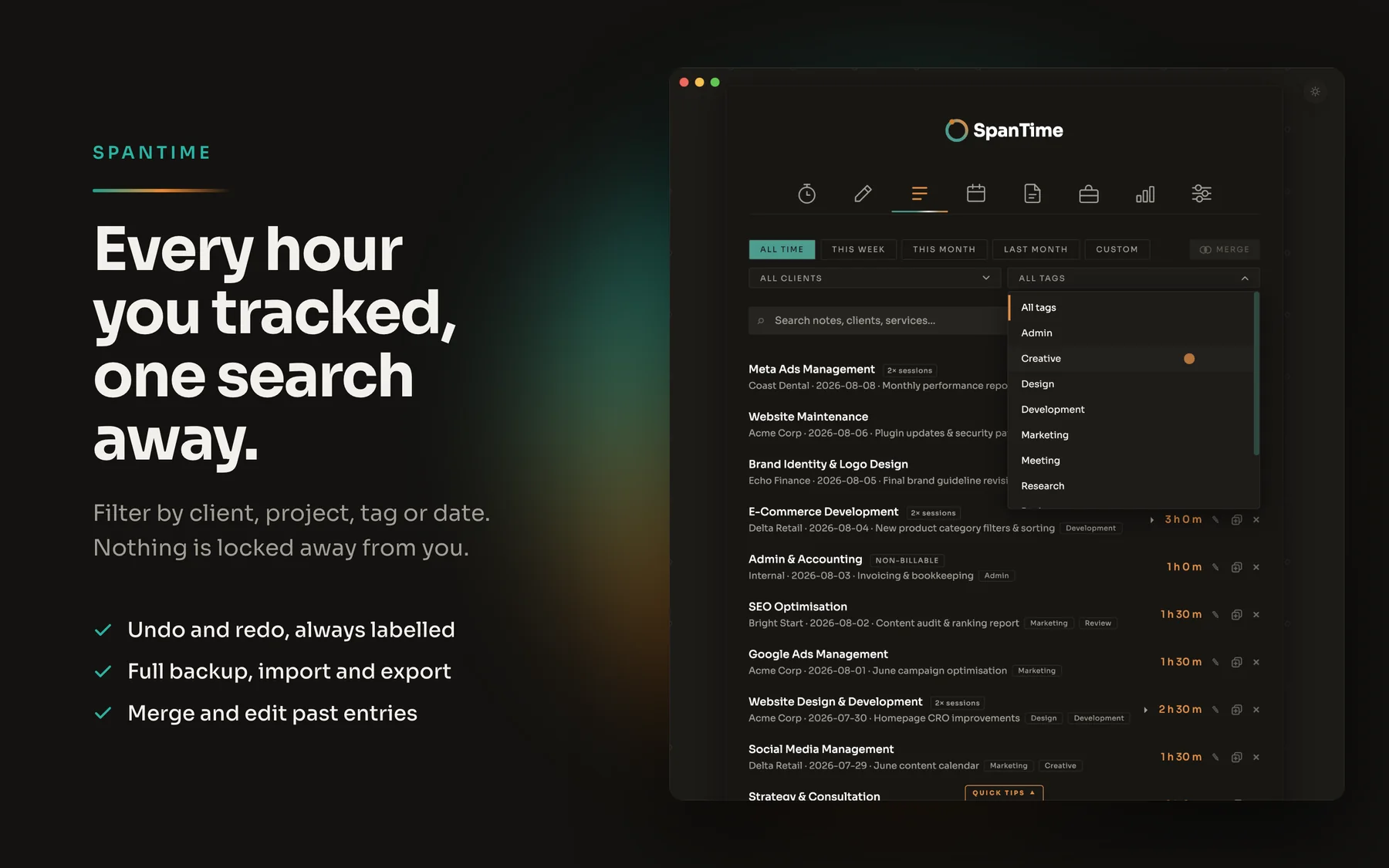
Forgot the timer? Fix it
Add the hours you noted on paper, or change an entry later. Idle detection stops the clock when you walk away from your desk.
10:30Invoicing
A freelance timesheet app that's ready before the invoice is
No more digging through emails and calendars at month end. The hours are already there, sorted by client and project.
- PDF timesheet per client. Filter by client and month, export, attach it to the invoice.
- CSV for your accountant. Or for your own spreadsheet at tax time.
- Rounding you choose. 5, 10, 15 or 30 minutes, or exact to the minute.
- Budgets per project. See it coming before a fixed-price job eats into your weekend.
- Billable or not. Admin, pitching and learning stay in the log, but out of the invoice.
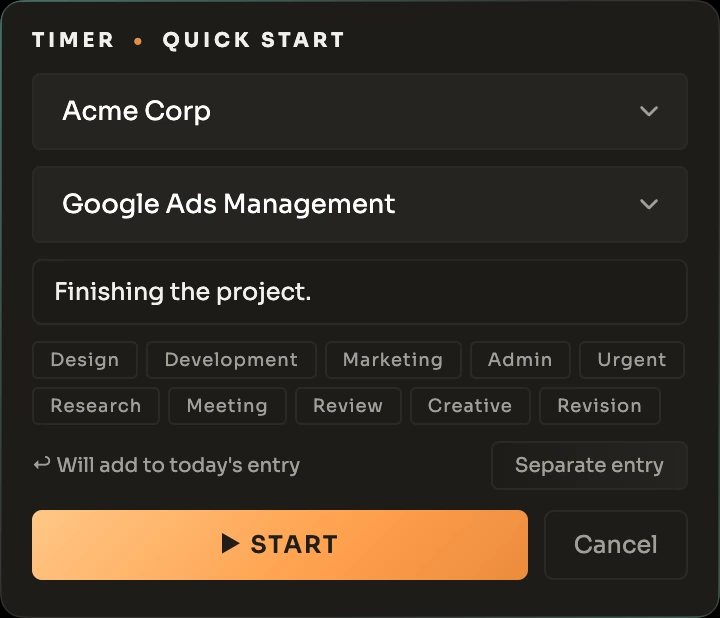
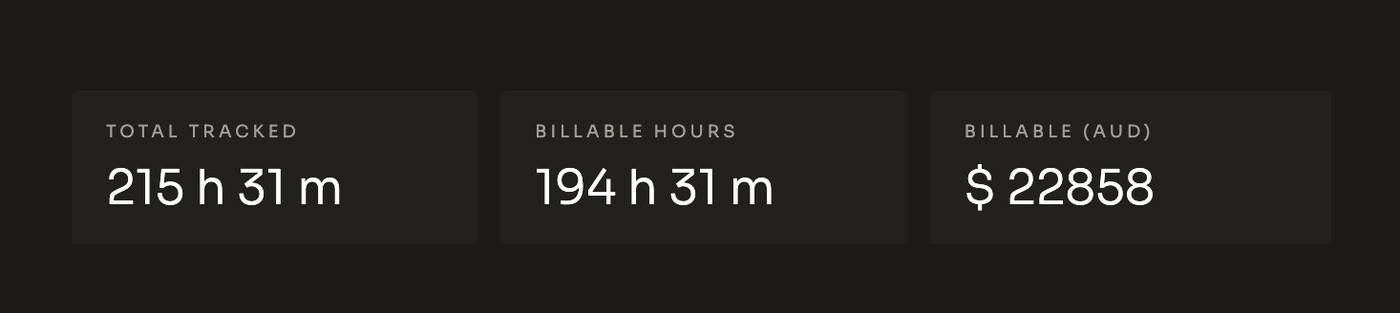
The Quick Timer starts a client's timer from anywhere. The summary shows the week's hours, the billable share and what it is worth.
12:00Your data
Your client list stays on your computer
No account to create and no cloud of ours. This time tracking software for freelancers keeps your clients, rates and hours in a file on your computer.
- Works fully offline, on the train or at a client's office.
- Back up everything to one file and import it on a new computer.
- Optional sync through your own iCloud, Dropbox or OneDrive folder.
- No screenshots, no app tracking. It only records the timers you start.
More about how SpanTime handles your data in the privacy section.
14:00The math
What a subscription time tracker costs you over the years
After that, SpanTime costs $0 a month. No renewals, no price rises, no account to keep paying for.
Want every tool's real price? Compare 8 time trackers side by side.
Years
15:30Questions
Questions, answered
Yes. It's a time tracking app for self-employed people who bill their own clients. Track your hours per client and project, mark what's billable, and export a timesheet or a CSV report. Handy at invoice time, and again at tax time.
Yes. Time tracking for independent contractors works the same way. Set a rate per client, track against a project budget and export the hours each month for your invoice.
Yes. Virtual assistants often work for several clients at different rates. Track each client separately and export a PDF timesheet for each one. SpanTime only records the timers you start, so there are no screenshots of your screen.
A time tracking tool for freelancers only helps if you keep using it. Most freelancers give up because it takes too much effort or costs money every month. SpanTime starts in one click and you pay for it once. Try it free for 15 days and see if it sticks.
Yes. Filter by client and date range, then export a PDF timesheet. SpanTime doesn't write the invoice itself. It gives you the hours and the amount, ready for whatever you use to invoice.
Yes. Most time tracking software for freelancers charges every month. SpanTime doesn't: try it free for 15 days, then unlock it once for US$34.99 in the Mac App Store or the Microsoft Store. Updates are included.
17:00Get SpanTime
Try the freelance hour tracker free for 15 days
Then buy it once for US$34.99 and keep it. No subscription, no account, nothing to cancel.
ReceiptSpanTime
Buy it once, keep it
SpanTime for Mac or Windows1×
One-time priceUS$34.99
Monthly fee$0.00
Account requiredNo
UpdatesFree, forever
Free trial15 days
PaidOnce
Included
25 languagesincl.
Light and dark themeincl.
PDF and CSV exportincl.
Prices vary by country. The App Store and Microsoft Store show yours in your local currency, including tax.
SPANTIME · NO RENEWAL DATE
Thank you for not subscribing.
Make it your own
SpanTime can be rebranded into a time tracker of your own: your logo, your colors, your app name on every screen. We've already built one this way for a client.
Same reliable app underneath, styled to look like it was built for your business alone. Get in touch and we'll talk about what that looks like for your small business or agency.
SpanTime
00:42:10
Earned so far $84.33
Stop
Your colours your logo, your app name
- 1Send your brandLogo, colours, name
- 2We build and testMac and Windows
- 3Your team installsYour own installer
17:30Also made for
More ways to use SpanTime
Billable hours tracker
Rates per client and service, rounding and budgets. Tracked time becomes an amount owed.
Time tracker for consultants
Different rates per engagement and timesheets that hold up when a client checks them.
Project time tracker
Projects, tasks and budgets. See how long each project really took.